

AI Skills for Tech Careers: What Students and Job Seekers Need to Learn
AI is changing the way people work. But there is an important part of the conversation that students and job seekers often miss. AI is not only creating new jobs such as AI engineer, machine learning engineer or data scientist. It is also changing the skills expected in many existing technology jobs.
A technical support engineer may use AI to troubleshoot problems faster. A cloud engineer may use AI to analyze logs and investigate incidents. A software developer may use AI to write and review code. A data analyst may use AI to explore and explain data. The job title may remain the same. The skills required to do the job are changing.
For students and early-career professionals, this creates an important question:
What AI skills should I learn if I want to build a career in technology?
The answer is not simply “learn ChatGPT” or “learn machine learning.”
You need a combination of AI literacy, technical knowledge, problem-solving ability and human skills.
AI is changing the skills needed for technology careers
The World Economic Forum’s Future of Jobs Report 2025 identifies AI and big data as the fastest-growing skills, followed by networks and cybersecurity and technological literacy. At the same time, analytical thinking, creative thinking, adaptability and lifelong learning remain important.
The future of technology careers is unlikely to be about choosing between technical skills and AI skills. It will increasingly be about combining them.
A person who understands core operating system like Linux, Networking or Databases and can effectively use AI to investigate a problem may work very differently from someone who only knows how to use an AI tool. That distinction matters.
What Is AI Changing in Technology Careers — and What Will Still Matter?
AI is changing how technology professionals perform their work. Tasks that once required considerable manual effort can now be completed faster with the help of AI tools. But this does not mean that technical knowledge is becoming irrelevant or that AI can independently handle every technical problem.
The real change is in how technology professionals approach their work.
What is changing?
1. Finding answers is becoming easier
AI can explain technical concepts, suggest Linux commands, generate SQL queries and help developers understand unfamiliar code. Candidates no longer need to depend only on searching multiple websites to find an initial answer.
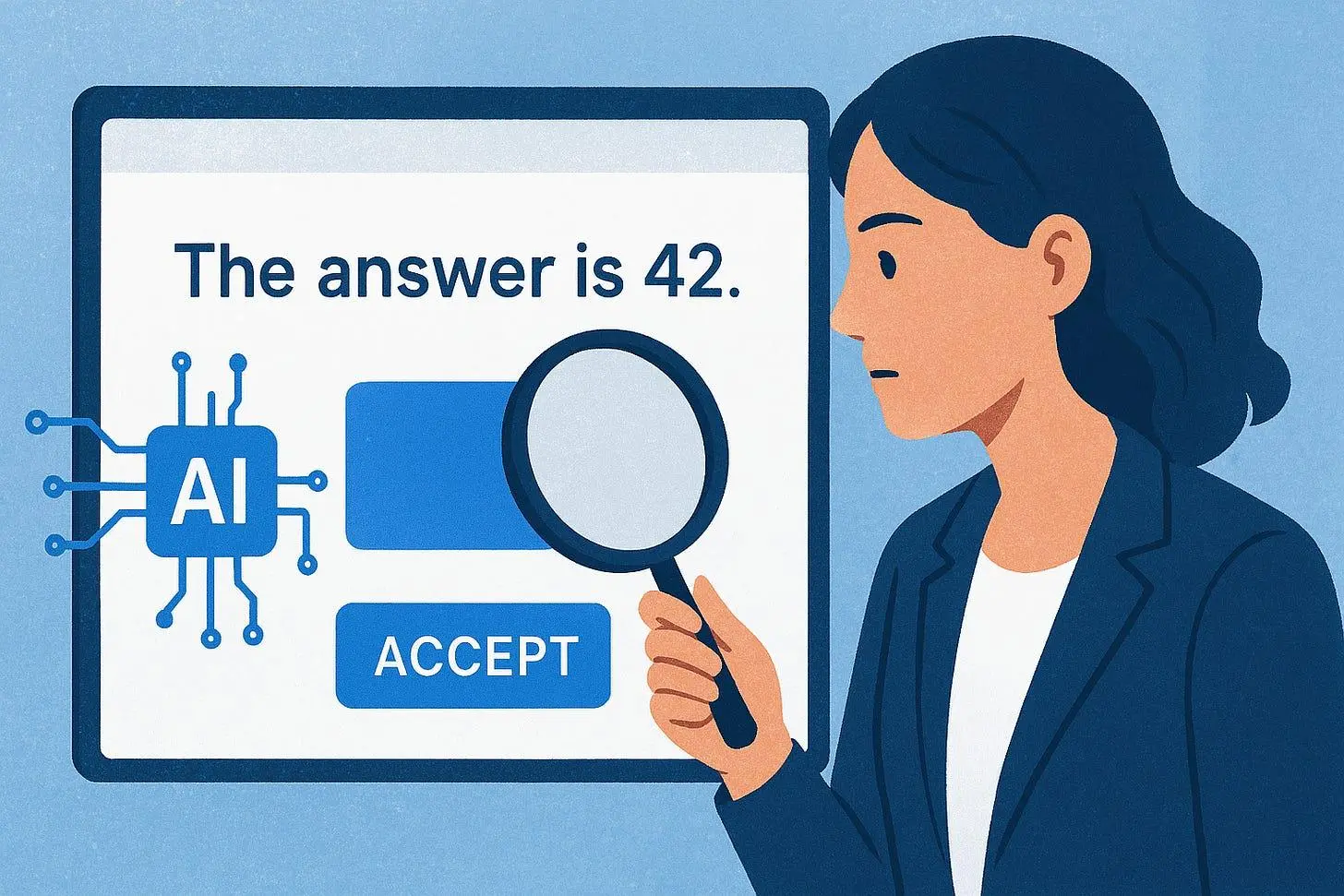
But finding an answer is not the same as knowing whether it is correct or suitable for the problem.
2. Routine tasks can be completed faster
AI can help generate scripts, write documentation, create test cases and summarize technical logs. Tasks that previously took considerable time may now require less manual effort.
This makes it important to understand not just how to perform a task, but also how to use AI to perform it more efficiently and verify the result.
3. Troubleshooting can start with better insights
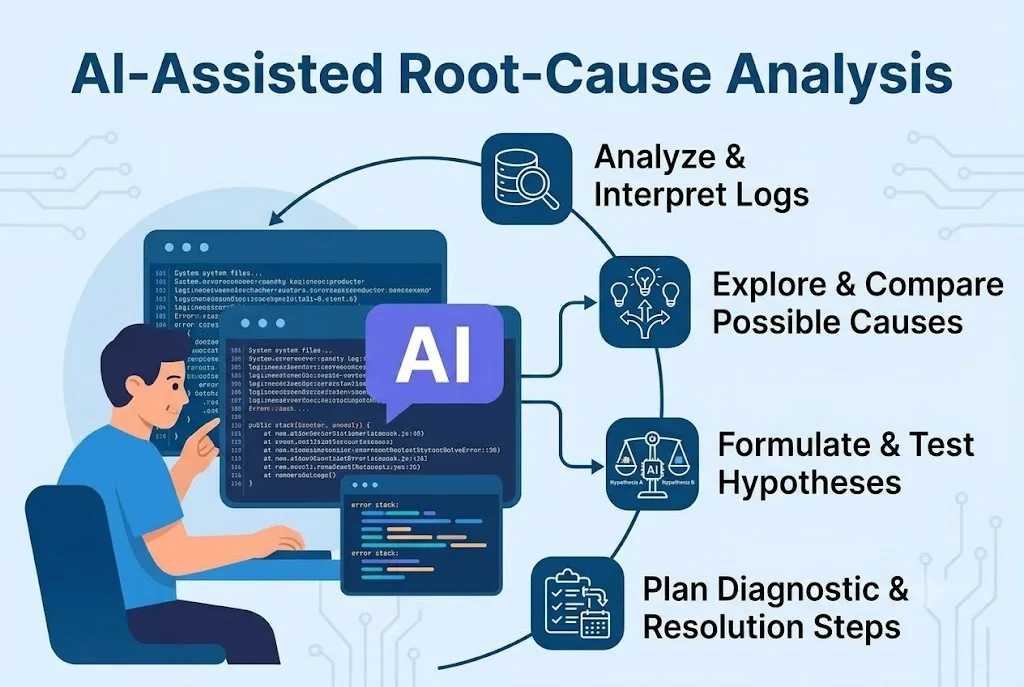
When an application fails or a server behaves unexpectedly, AI can help interpret logs, suggest possible causes and recommend diagnostic steps.
However, identifying the actual cause still requires evidence. Someone must understand the system, investigate the problem, test possible explanations and decide what action is safe.
4. Employers can expect more than basic tool knowledge
Knowing commands, following instructions and completing routine tasks remain useful. But candidates also need to demonstrate that they understand what they are doing, can solve unfamiliar problems and can use AI responsibly.
Simply knowing how to operate an AI tool is not the same as being able to apply it effectively at work.
What will still matter?
AI does not remove the need for strong technical foundations. It changes how those foundations can be applied.
1. Technical understanding: Knowing Linux, networking, databases, APIs and cloud fundamentals helps you understand what AI suggests and recognise when something is wrong.
2. Problem-solving: You need to investigate the problem, consider possible causes and use evidence to reach a conclusion.
3. Verification and judgement: AI-generated answers, code and commands must be checked before they are trusted or used in a real environment.
4. Communication: Technology professionals must explain problems, document findings and work with customers and other teams.
5. Ownership: Someone still needs to take responsibility for decisions, assess risks and ensure that the problem is actually resolved.
Consider a simple example. If a server becomes slow, AI might suggest checking CPU usage, memory consumption, network latency and application logs. But a technology professional must know how to perform these checks, interpret the results and determine which issue is causing the slowdown.
The value is not simply in getting AI to suggest a solution. It is in knowing how to use that suggestion to solve the actual problem.
For students and job seekers, the takeaway is simple: You do not need to choose between learning technology and learning AI. You need to build a strong technical foundation and learn how to use AI to apply that knowledge more effectively.
The 6 AI skills that can strengthen a tech career

AI literacy and understanding limitations
Understand what generative AI can do, where it can fail, and when its answers need verification.
You should be comfortable using tools such as ChatGPT or other generative AI systems and understand their strengths and limitations.
Learn to ask:Is this answer correct?
What assumptions is the AI making?
What information is missing?
How can I verify this?
Can I reproduce the result myself?
AI can help students understand difficult concepts, practise technical problems and get feedback. But simply copying AI-generated answers does not build the skills employers expect.The real advantage comes from understanding the fundamentals, practising independently and verifying what AI produces.
Prompting and giving AI the right context
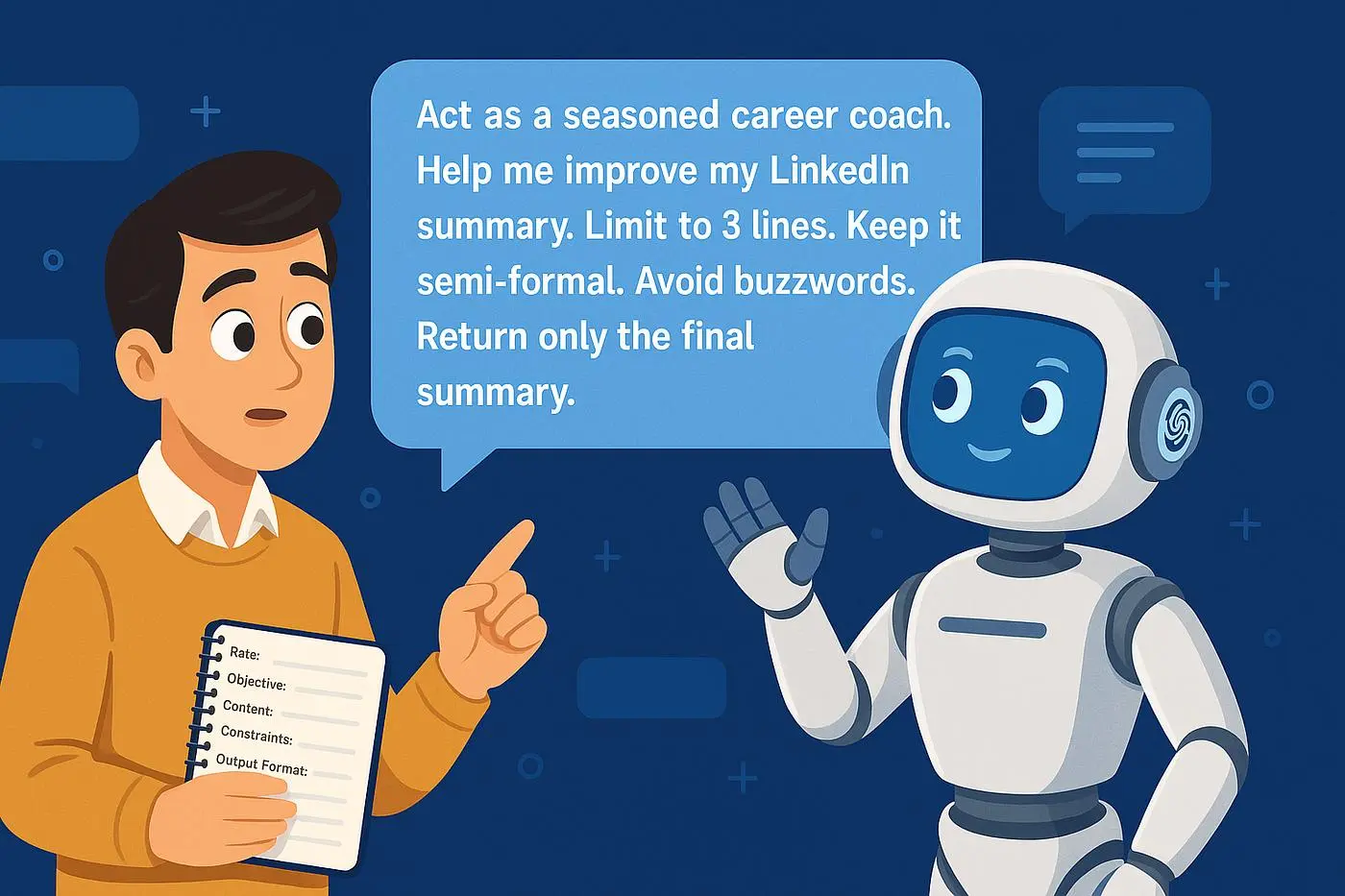
Learn to describe a problem clearly, provide relevant information, set constraints and ask for a useful output. By asking specific questions, adding background details, and explaining the desired outcome, students and professionals can use AI more effectively for learning, problem-solving, and everyday tasks.
For example:The application is slow. Instead of immediately asking AI for a solution, a good engineer asks:
Is the application slow for everyone?
When did the problem start?
Is the database responding slowly?
Is the API response time increasing?
Is there a network issue?
Are CPU or memory resources exhausted?
What do the logs show?
AI can help investigate these questions. But you need the thinking process first.
Validating AI-generated answers and code
Check whether an answer is correct, safe, complete and suitable for the situation. Learn to test generated code and commands rather than trusting them blindly.
For someone starting a technical career, that could mean learning areas such as:Linux, Networking, SQL, APIs, Cloud fundamentals, Scripting, Git, Containers,
Monitoring and troubleshooting.
For example, an AI tool may suggest a Linux command. A technically strong candidate will understand what the command does, when to use it and what risk it may create. That is very different from blindly copying the command.The goal should not be:AI instead of technical skills.It should be:AI + technical skills.

AI-assisted troubleshooting and root-cause analysis
Use AI to help interpret logs, explore possible causes, compare hypotheses and plan diagnostic steps.
Companies do not hire technology professionals simply because they know tools. They hire people who can solve problems. AI can give you ten possible solutions in seconds.Your job is to identify:Which solution actually solves the problem?That requires: Understanding the problem, Gathering the right information, Identifying possible causes, Testing assumptions, Evaluating solutions, Learning from failures
These skills are useful across technical support, cloud, DevOps, software development and data roles.
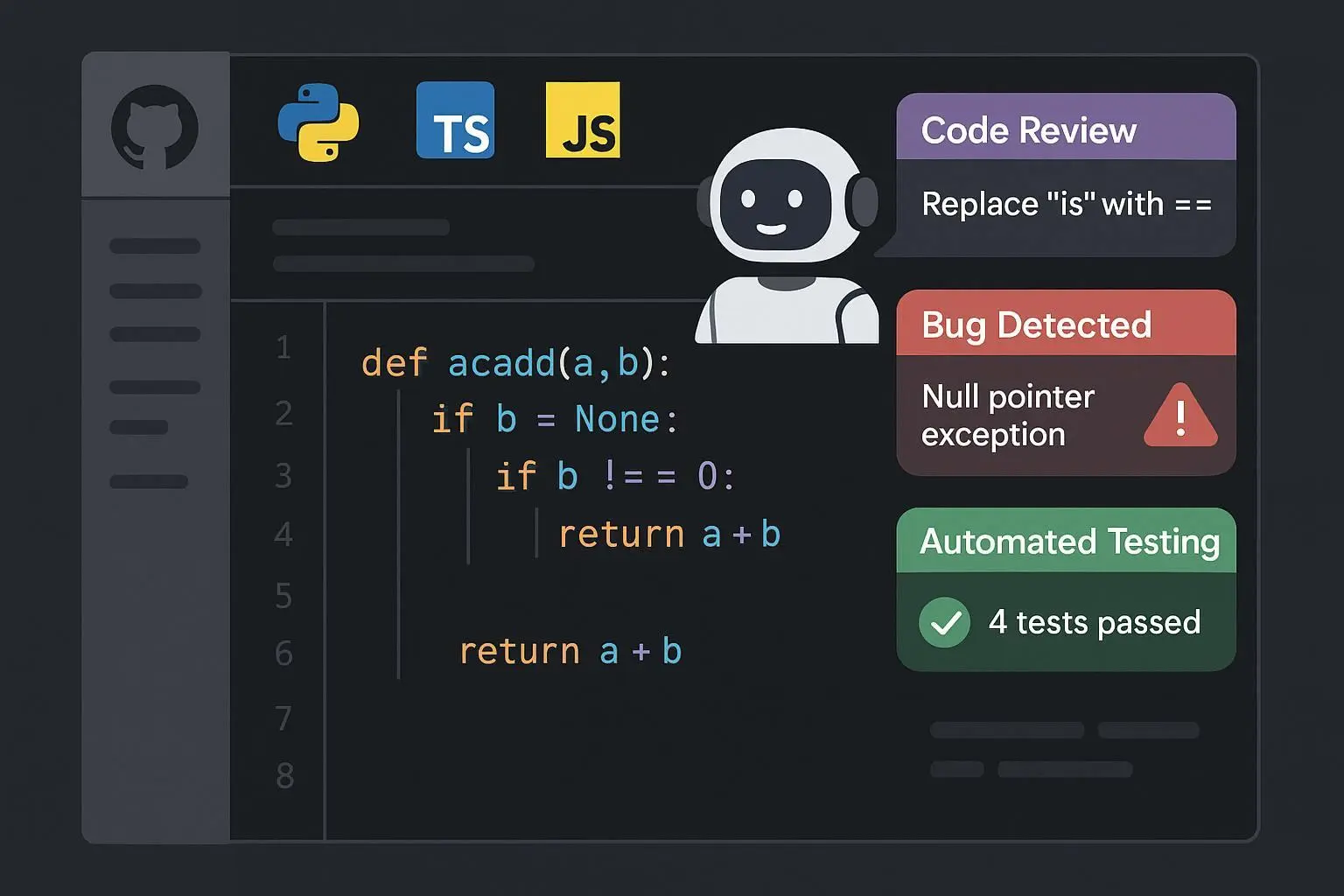
AI-assisted coding and automation
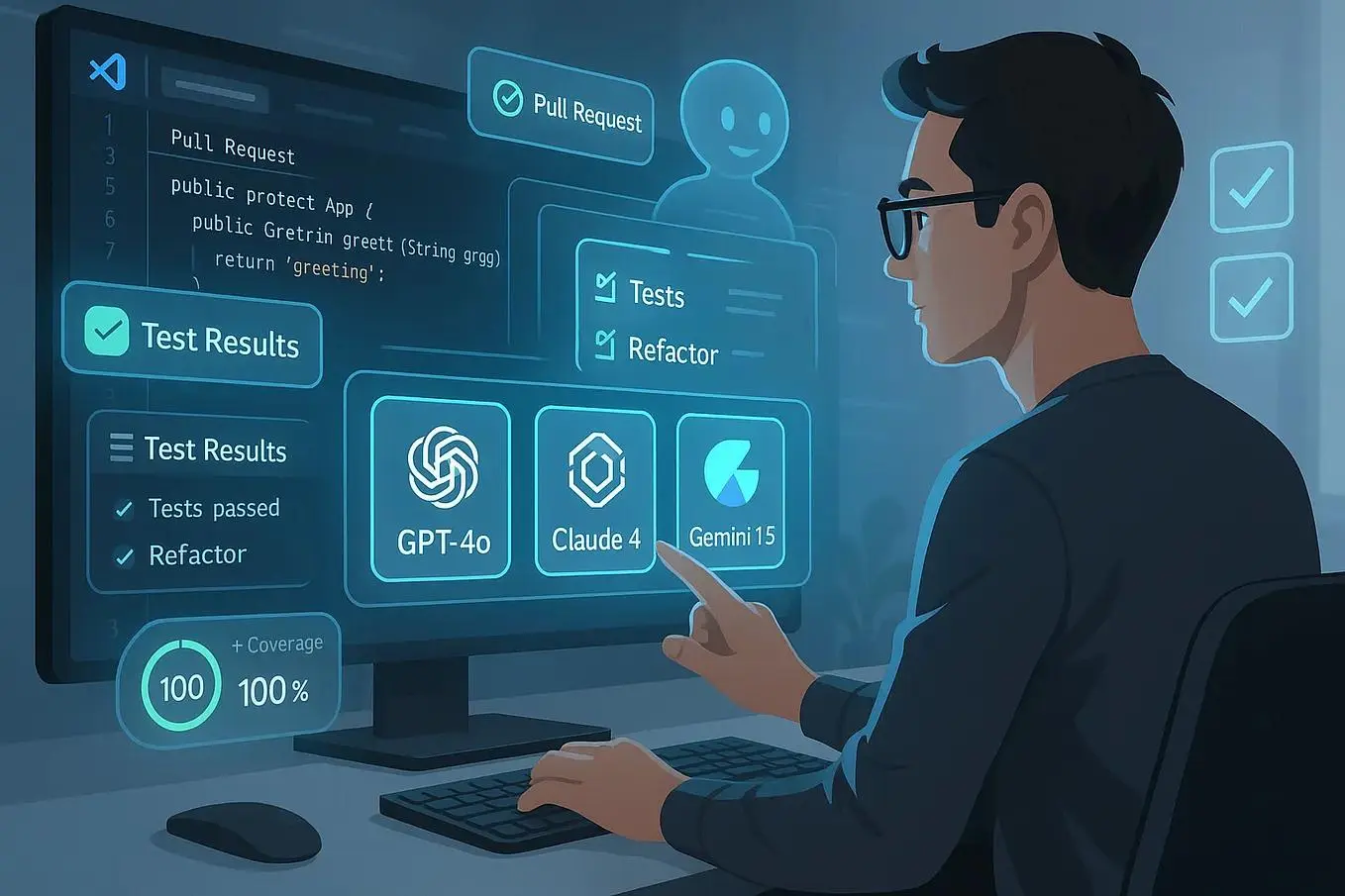
Learn how AI can help write scripts, generate test cases, explain unfamiliar code, improve documentation and automate repetitive tasks.
AI-assisted coding and automation help developers write code faster, understand unfamiliar programming concepts, reduce manual effort, and improve productivity. AI tools can generate scripts, create test cases, explain complex code, improve documentation, and automate repetitive tasks.
By learning to use AI effectively, students and professionals can solve problems more efficiently while reviewing and testing AI-generated outputs for accuracy and reliability.
Example: Use AI to write a Python script that automatically organizes files into folders by file type, generate test cases to check its functionality, and explain how the script works.
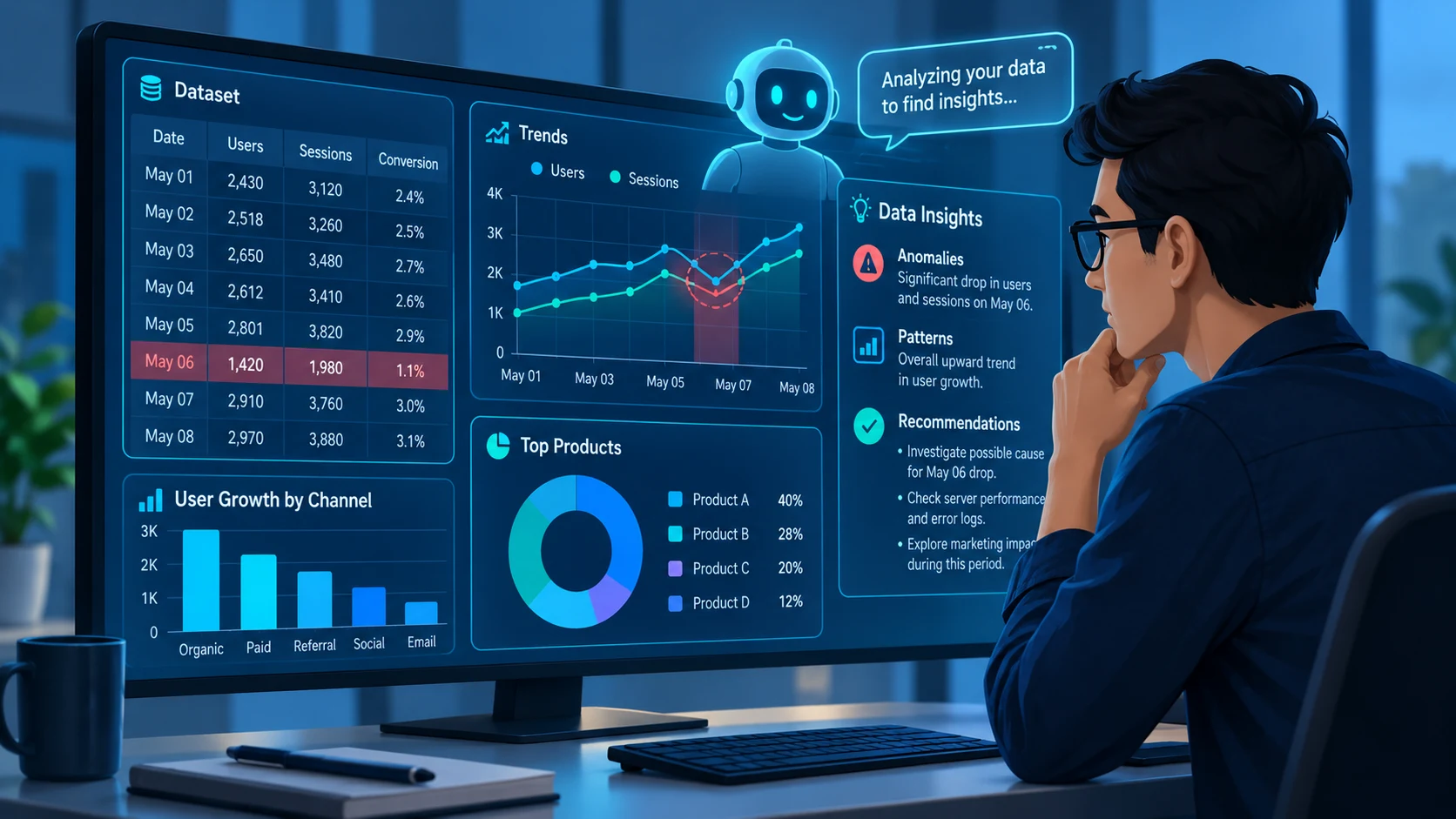
AI-assisted data and information analysis
Learn to use AI to explore structured data, summarize information, identify patterns and investigate anomalies, while checking conclusions against the underlying evidence.
AI-assisted coding and automation help developers write code faster, understand unfamiliar programming concepts, reduce manual effort, and improve productivity. AI tools can generate scripts, create test cases, explain complex code, improve documentation, and automate repetitive tasks.
By learning to use AI effectively, students and professionals can solve problems more efficiently while reviewing and testing AI-generated outputs for accuracy and reliability.
Example: Use AI to write a Python script that automatically organizes files into folders by file type, generate test cases to check its functionality, and explain how the script works.
AI skills look different for different tech careers
You do not need to become an AI specialist to benefit from AI. The right combination depends on the career you want.
| Career area | Technical foundation | AI capability |
|---|---|---|
| Technical Support | Linux, networking, APIs, troubleshooting | AI-assisted troubleshooting, documentation and analysis |
| Cloud / DevOps | Linux, cloud, scripting, containers | AI-assisted automation, log analysis and incident investigation |
| Software Development | Programming, databases, APIs | AI-assisted coding, testing and code review |
| Data Analytics | SQL, Excel, statistics, visualization | AI-assisted analysis and data exploration |
| Cybersecurity | Networking, Linux, security fundamentals | AI-assisted threat analysis and investigation |
| AI / ML | Python, mathematics, statistics, ML | Model development, evaluation and deployment |
Learning AI skills is only one part of preparing for a technology career. Students and job seekers also need strong technical fundamentals, problem-solving ability and workplace skills to stay relevant as technology changes.
Read our guide on the future of tech careers in the AI era to understand which skills can help you stay job-ready.
What Should Students Learn First in the AI Era?
Starting a career in technology can feel overwhelming, especially when there are so many skills, tools, and AI technologies to explore. Instead of trying to learn everything, focus on developing the right skills in the right order.
Here are five practical ways to get started.
Step 1: Choose a Career Path and Learn the Basics
Before jumping between different technologies, decide which area interests you most. Build your foundational knowledge before moving on to more advanced tools.
For example:
Technical Support: Linux fundamentals → Networking basics → APIs → Problem-solving
Cloud and DevOps: Linux → Networking → AWS fundamentals → Docker → Kubernetes
Data Analytics: Excel → SQL → Basic statistics → Power BI → Python
You can explore other technologies as you progress. The important thing is to understand the basics well enough to apply them.
Step 2: Understand How AI Fits Into Your Field
AI is becoming part of many technical roles. Learn how AI tools can support your work, where they are useful, and when their answers need to be checked.
For instance, a technical support learner might use AI to understand an error message, while a data analytics learner might use it to explain an SQL query.
Step 3: Make AI Part of Your Practice Routine
Reading about a concept is only the beginning. Use AI to turn what you learn into opportunities for practice.
You can ask it to:
- Explain a difficult topic with simple examples.
- Give you exercises based on your current skill level.
- Ask questions that test your understanding.
- Review your approach to solving a problem.
- Present realistic technical issues for troubleshooting.
- Conduct a mock technical interview.
- Highlight areas where you need more practice.
Use these suggestions to guide your learning, but make sure you can solve problems and explain your reasoning independently.
Step 4: Turn Knowledge Into Practical Experience
Employers need to understand how you apply your skills, not just which tools you have studied.
Try small projects that reflect the work you may encounter in your chosen role.
For example, if you are learning Linux, investigate a simulated server issue. Examine the logs, identify possible causes, test a solution, and document your findings. AI can help you understand unfamiliar commands or improve your documentation, but you should verify your conclusions yourself.
This gives you something concrete to discuss when explaining your abilities to a potential employer. Read our guide on how students can learn effectively in the AI era for practical ways to build these habits.
Step 5: Practise Explaining What You Can Do
Knowing a concept is different from explaining how you used it to solve a problem.
During an interview, you may be asked why you chose a particular approach, how you identified an issue, or what you would do differently next time.
Practise describing your projects, explaining your decisions, and answering technical questions in your own words. Mock interviews and practical assessments can help you identify gaps before an actual interview.
The goal is to move beyond learning tools to demonstrating your ability to use them. A strong foundation, consistent practice, and the ability to explain your work can help you prepare for the expectations of an entry-level tech role.
The future tech professional will be AI-enabled
The technology professional of the future may not necessarily be an AI engineer. They could be a support engineer who uses AI to troubleshoot faster.
A cloud engineer who uses AI to investigate incidents. A developer who uses AI to accelerate development. A data analyst who uses AI to explore information. Or a DevOps engineer who uses AI to automate repetitive work.
The common factor is not the job title. It is the ability to combine technology knowledge with AI capability and human judgment.
Start with skills, not tools
If you are starting your technology career today, don’t begin with the question: Which AI tool should I learn?
Start with: Which technology career do I want to build?
Then ask: What technical skills does that career require?
And finally: Where can AI make me better at that work? That approach gives you a much stronger foundation. Because AI will keep changing. Tools will keep changing. Job descriptions will keep changing. But the ability to learn, understand, solve problems and apply technology effectively will continue to matter.
At UPSPIR, this is the way we think about technology careers. We believe the goal is not simply to teach young professionals another tool.
It is to help them build the technical foundation, practical problem-solving ability and adaptability they need to work in a changing technology environment. AI is changing careers. The answer is not to ignore it or fear it. The answer is to learn how to work with it.